Your projects.
A universe
of possibilities.

Create, organize and connect your projects in one place. With Nexus, every product finds its place — and makes room for new connections.

  • Organize
  • Connect
  • Reuse
  • Evolve
Official Nexus logo at the center of the project ecosystem.
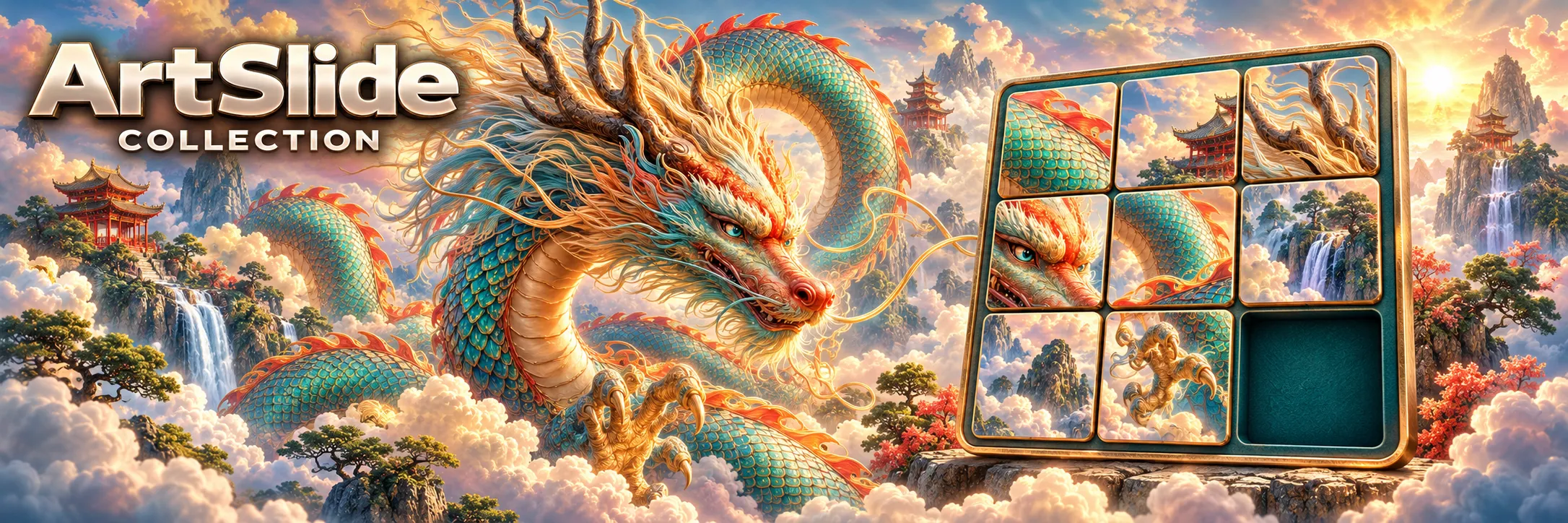
Official artwork for ArtSlide Collection.ArtSlide Collection
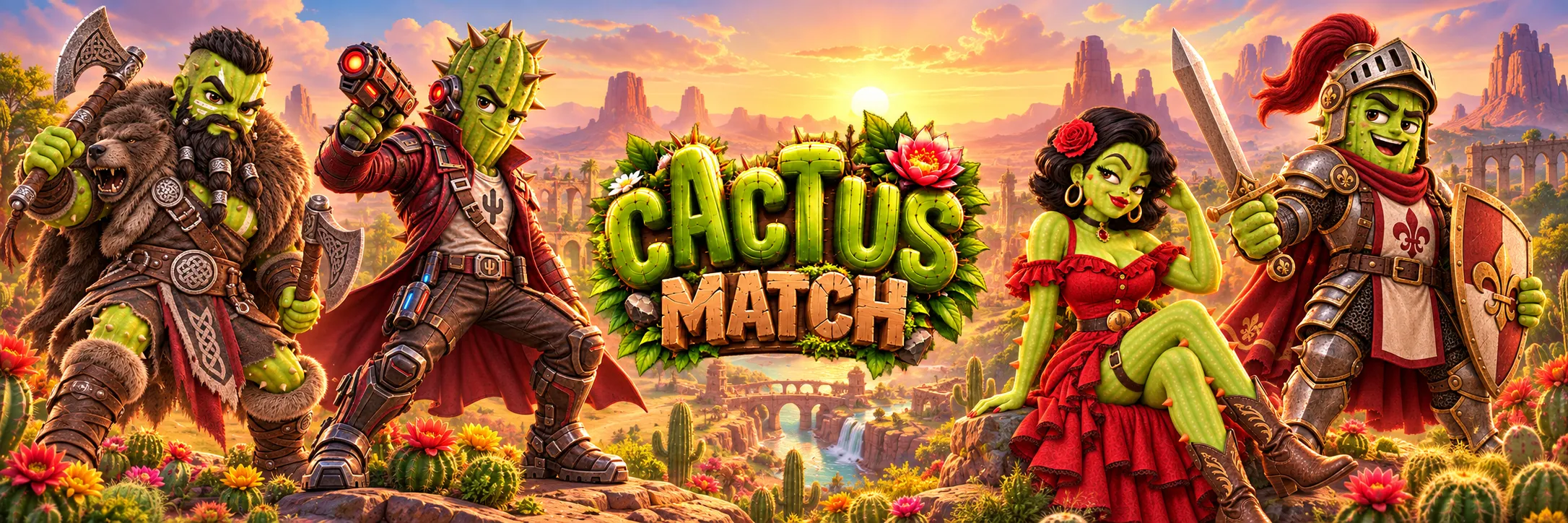
Official artwork for Cactus Match.Cactus Match
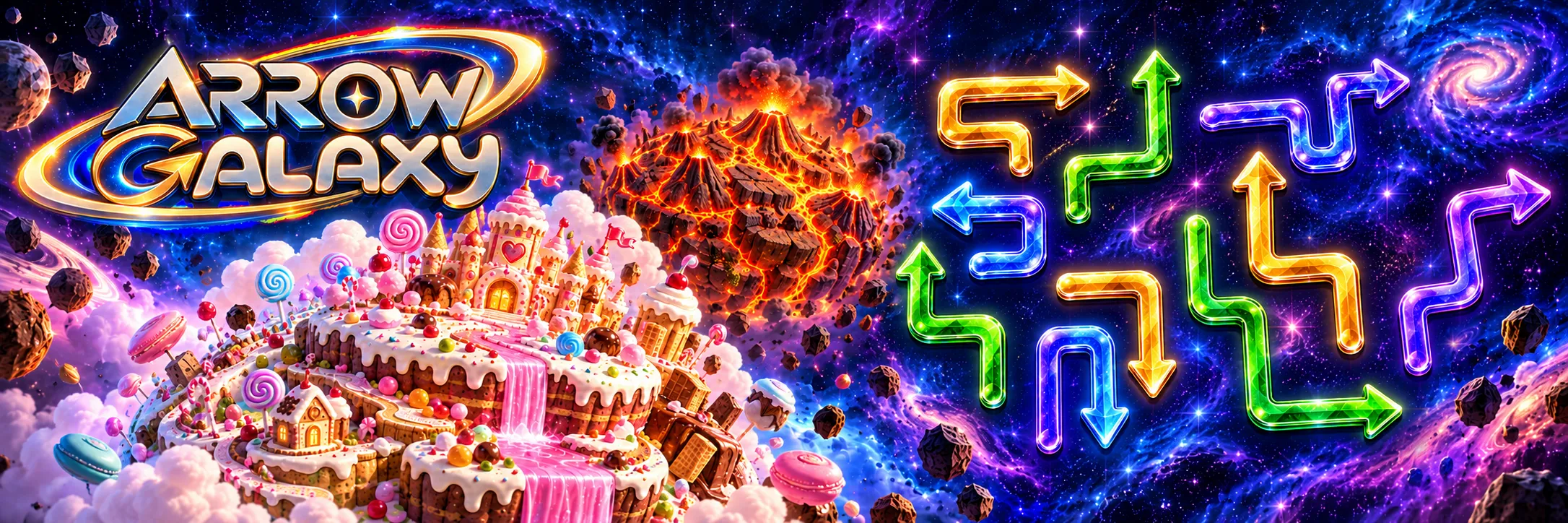
Official artwork for Arrow Galaxy.Arrow Galaxy
New projects
Distinct identities. One ecosystem.

Everything you create.
Finally connected.

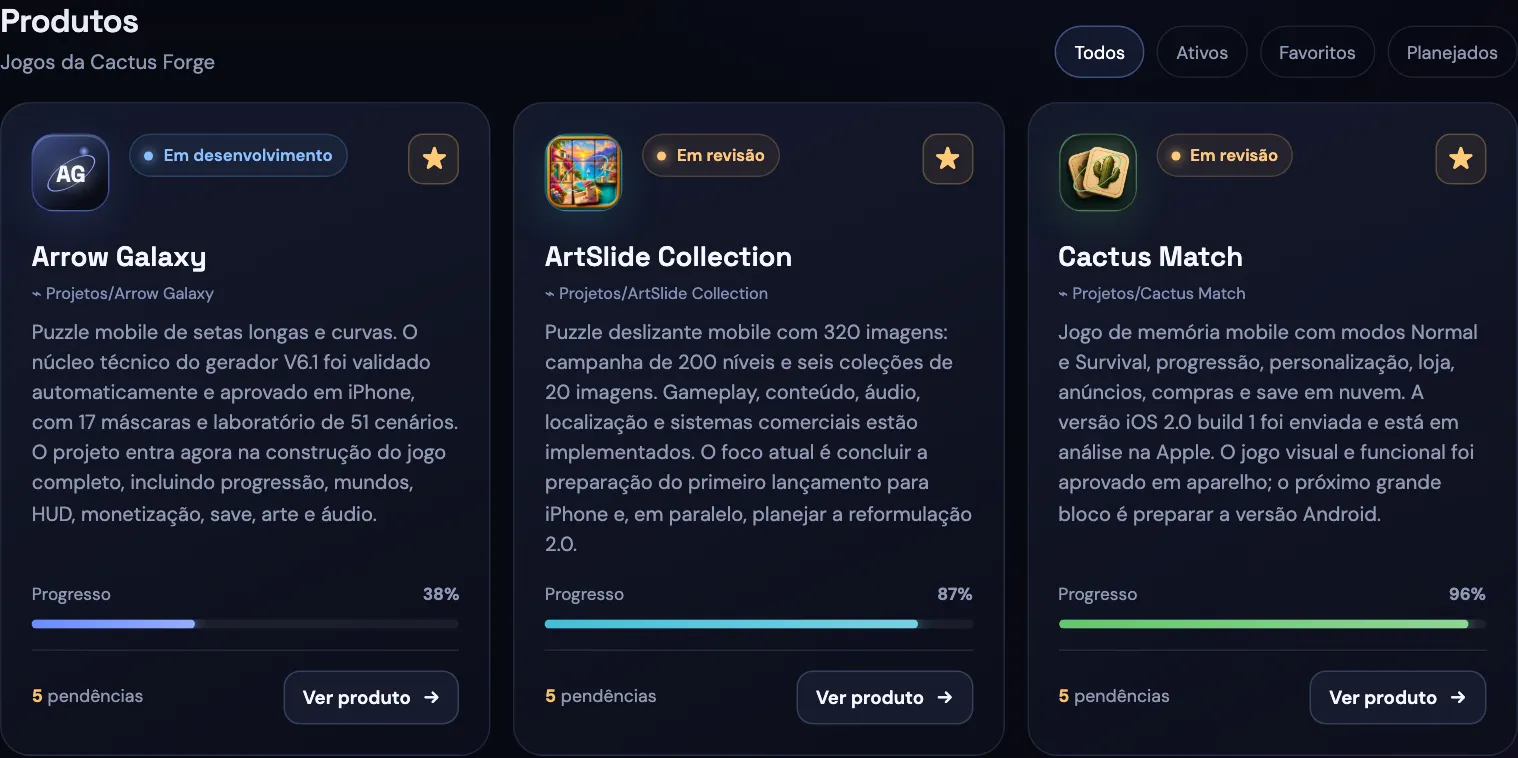
Nexus brings together an overview of your products and the details that move work forward. See what is in progress, what is done and what needs to happen next.
  • Project catalog and dedicated spaces
  • Search, filters and favorites
  • Activity and history
  • Component and test records
  • Specifications, checklists and outstanding tasks
Actual screenshot of the Nexus local hub showing Arrow Galaxy, ArtSlide Collection and Cactus Match, their status, progress and outstanding tasks.
Actual screenshot of the current app, with its interface in Portuguese.

One feature.
New possibilities
for every project.

Imagine developing a feature once and reusing it across different projects. The proposed Nexus shared library aims to organize components, resources and solutions for reuse, reducing repetitive work and helping products evolve.

In this demonstration, an ArtSlide save system reaches the library and becomes the starting point for adaptations in Cactus Match and Arrow Galaxy.

Reuse

Build on solutions already developed.

Share

Connect knowledge across projects.

Evolve

Adapt each resource to its new context.

Official ArtSlide Collection artwork, the source of the feature in this example.
ArtSlide CollectionSave system
Nexus
Shared libraryPrepare · Document · Adapt
Official Cactus Match artwork, one possible destination for the component.Cactus MatchAdapt saving
Official Arrow Galaxy artwork, another possible destination for the component.Arrow GalaxyAdapt saving
One feature, new possibilities.

Different projects.
One ecosystem.

Every product has its own identity, challenges and pace. Nexus keeps each product’s context: planning, documentation, specifications, tests and recorded components.

What you learn in one project helps shape the next. The library’s planned evolution aims to bring that connection even closer.

Nexus, the organizational core of the three products.Projects · Context · Connections
Official artwork for ArtSlide Collection.ArtSlide CollectionPlanning
Documentation
Components
Official artwork for Cactus Match.Cactus MatchPlanning
Documentation
Components
Official artwork for Arrow Galaxy.Arrow GalaxyPlanning
Documentation
Components
Cactus Match highlighted. Three identities, one environment.

Your project has a story.
Nexus follows
every chapter.

Each project can bring its essential information together in a nexus.md file. The local hub reads this documentation and turns it into an organized view of the product.

  • Reading documented project folders
  • Periodic updates of the local catalog
  • Information editing within Nexus
  • Checklists, specifications and outstanding tasks
  • Exporting dashboard data as JSON
nexus.mdProject context
Checklist
Documentation
Specifications
Nexus organizes the information from the project file.
Cactus MatchArtSlide CollectionArrow Galaxy
Projects with context
From documentation to a project overview, keeping the source of the information.
Caramel Cat artwork: the caramel cat in the Cactus Forge studio.

Your universe, organized.
With intelligence
for the next steps.

Meet Caramel, the Cactus Forge artificial intelligence. It grew out of the idea of supporting work in Nexus and making interaction with your projects more natural.

The integration is being planned: understanding information, discussing ideas and helping you develop what comes next.

Meet Caramel Cat

Today’s Nexus
is just the beginning.

The local hub already organizes products. We are building the next steps to connect knowledge, components and intelligence.

Nexus Graph

The proposal is to visualize connections between projects, components and resources.

Shared library

A way to organize and reuse features across projects.

AI integration

Caramel is envisioned to help understand and improve products.

Great ideas do not have to grow alone.

Nexus. A universe of connected projects.

Cactus MatchDemo

Flip two tiles and find the ten pairs. Use Tab or the arrow keys to move around and Enter or Space to flip a tile.

Moves
0
Points
0
Time
00:00

First hint free · Peek: 400 points

ArtSlide CollectionDemo

Put together the Chinese Dragon image. The pieces are numbered 1 to 8 in the order of the complete image, left to right and top to bottom; piece 9 is the Final Piece, which slides in on its own at the end. Use the arrow keys to choose a piece and Enter or Space to slide it into the empty space.

Mov
0
Time
00:00

Chinese Dragon

Arrow GalaxyDemo

Tap an arrow to release it: it leaves if its path to the edge is clear. Empty the board to complete the level. With a keyboard, use the arrow keys to choose an arrow and Enter or Space to release it.

Candy HouseLevel 1